- This topic has 7 replies, 2 voices, and was last updated 2 years, 6 months ago by
 admin.
-
AuthorPosts
-
17. April 2024 at 14:21 #10722
morpog
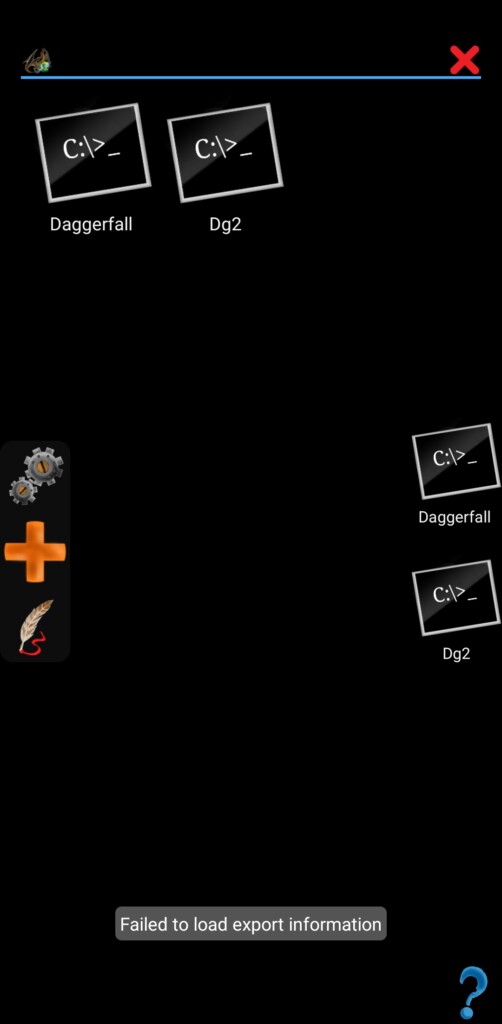
ParticipantHello, as the title says, i cannot import .mgc files. When i try to do so, i receive the message “failed to load export information”. I already tried using 2 different .mgc files to test (2 different daggerfall profiles and 1 fallout profile) besides trying to open my own .mgc exported files, but the result is the same in any of the cases.
Already updated and reinstalled the app, reinstalled daggerfall three times, already downloaded .mgc files and renamed the .mgc.zip ones, and yes im using the paid version. I also tried to put the .mgc files directly on the private and public directories to see if had any difference but it didnt work.
Im using the app on android 14 in a samsung A54.
Thanks for the help in advance.
Attachments:
17. April 2024 at 15:37 #10724 adminKeymaster
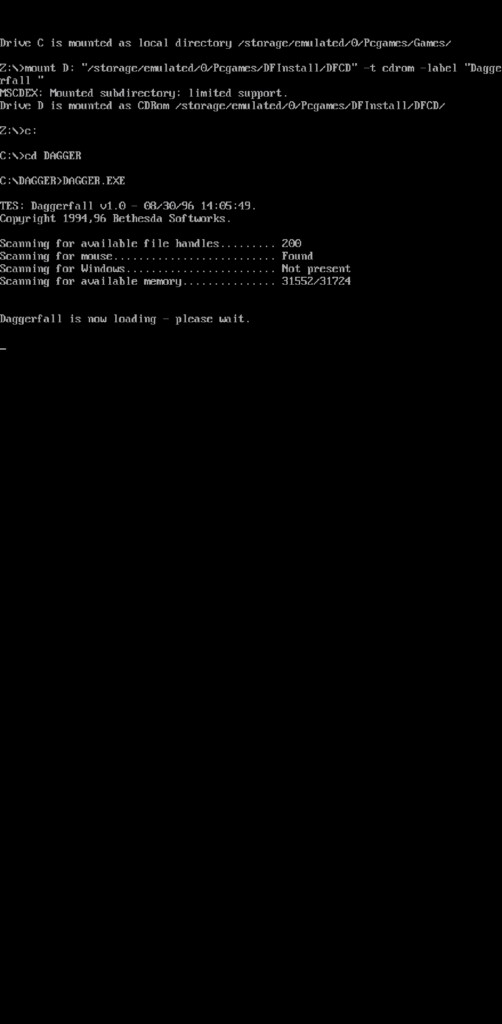
Hi, it was reported, but i have problem to simulate it. Running game, or getting to black console works fine? This is crucial. If it works then is issue in import. If games wont run then is problem in storage permissions. Can you post screenshot of paths in global settings?
17. April 2024 at 15:59 #10728ParticipantYes, i can run the game without problems.
17. April 2024 at 16:07 #10732adminKeymasterThank you. And where the mgc file placed? In the root of pcgames folder?
17. April 2024 at 16:11 #10733ParticipantYes exactly, and the exported .mgc that i made are in the folder Exports inside the Pcgames folder
17. April 2024 at 16:14 #10734adminKeymasterCan I send you email? I will need to run debug version with logging for more information.Edit : I can simulate it on android 14 emulator. That’s fine
Edit2 : I see what is wrong. During export is listed source directory and files inside are send to zip. Files are listed with full path, I cut root directory from path and the rest creates files/dirs tree in zip. However, that “cut” does small mistake and leaves slash at beginning. That’s not correct, but seems that was not problem until android 14 and external unzip applications have not problem too. So, first I must fix export and then find some way how to preserve import for old exports.
Edit3 : Allright, fixed. Tomorrow can go out fix.
17. April 2024 at 17:23 #10738ParticipantThank you very much, if you need to you can send me emails too
17. April 2024 at 17:29 #10739adminKeymasterThank you. Seems it works, so it can go out
-
AuthorPosts


- You must be logged in to reply to this topic.